Logistics
- stock and movements, across multiple warehouses
- delivery notes and shipments linked to orders
- receipts from purchase orders
- inventories
- [DA COMPLETARE: lots, serial numbers, locations, handheld terminals, if available.]

Bitage X · Logistics
In the Logistics module, stock and movements update with client orders and supplier receipts. Sales knows what is available, shipping knows what to prepare.
Stock bars for several warehouses; a client order lowers them, a receipt refills them, and the delivery note is generated linked to the order.
What it solves
When warehouse and orders live in different tools, availability always lags behind reality. In Bitage X, sales, purchasing and logistics read the same numbers.
Features
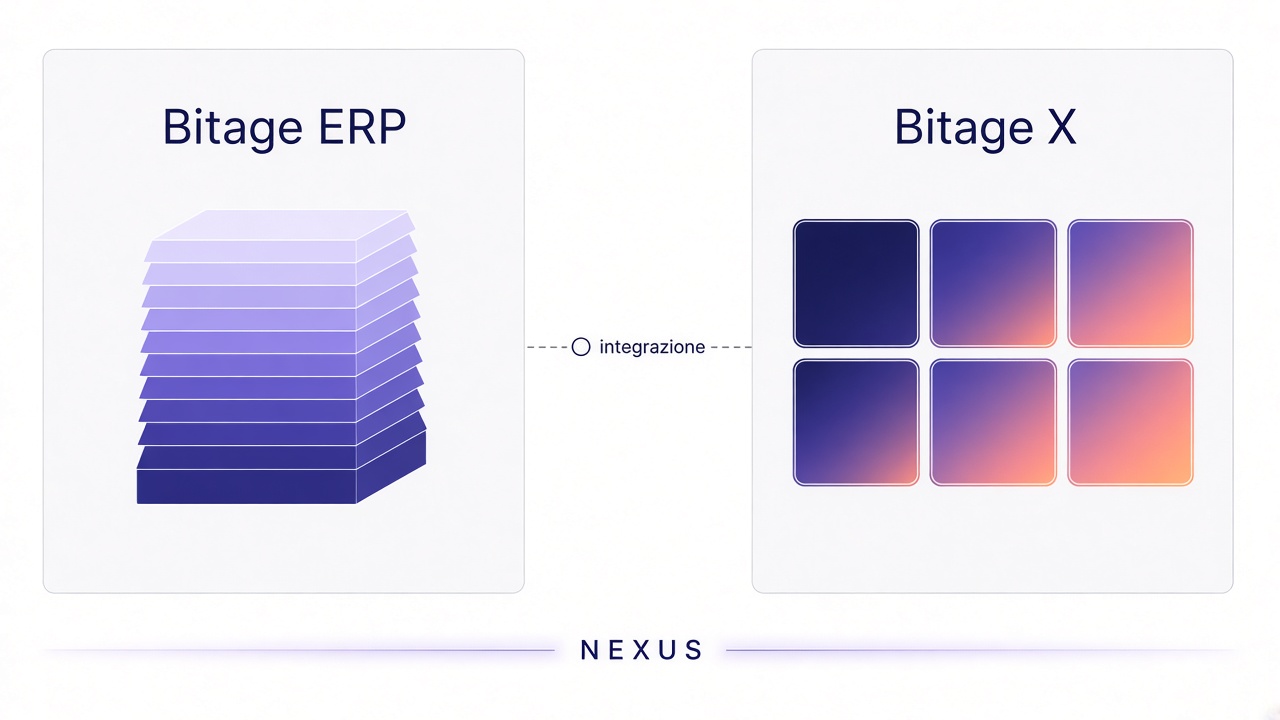
For complex warehouses with locations, handheld terminals and advanced logistics there is Bitage ERP's mobile warehouse.
Bitage ERPConnections
Roles that use it
NEXUS on Bitage X
FAQ
The full sales cycle, from first contact to payment, with the CRM inside the management system.
DiscoverSuppliers, requests and orders under control, with documents that already arrive from e-invoices.
DiscoverThe financial side in Bitage X, with accounting kept on Bitage ERP.
DiscoverThe numbers each role needs, updated with data from the connected sources.
DiscoverManagement software that talks to the rest of the world.
DiscoverEveryone sees their own management system.
DiscoverDemo
Tell us how your people work today and where your data comes from. We will show you Bitage X with profiles for your roles and your sources already connected.