
Bitage ERP · Logistics
Mobile warehouse
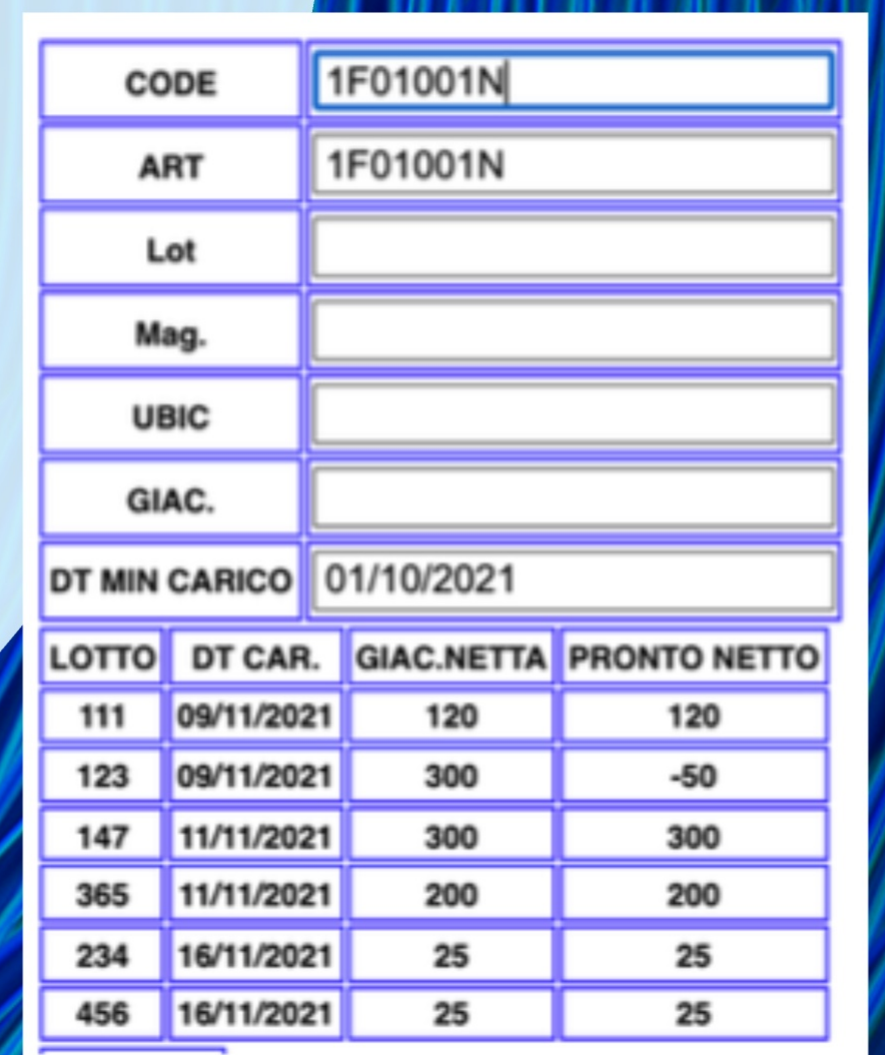
With Bitage Mobile, movements are recorded on the floor with barcodes and handhelds, the moment they happen.
Features
Mobile warehouse (Bitage Mobile)
- Warehouse layout: aisles, racks, shelves.
- Locations by item and by lot.
- Barcodes on locations and items.
- Lots and serial numbers with full traceability.
- Handhelds for receiving, picking, transfers and stock counts.
- Automatic flows from handheld to ERP, with no paper and no re-keying.
Deep dive: mobile warehouse
The real warehouse and the ERP warehouse finally match.
When stock positions aren't shared, you get picking errors, late receipts and Excel documents disconnected from the ERP. Bitage Mobile follows six steps: warehouse layout, locations, barcodes, lots and serial numbers, handhelds for movements, and automatic flows. Every movement reaches the ERP the moment it happens.
The six-step path
- 01Warehouse layout
- 02Locations
- 03Barcodes
- 04Lots and serial numbers
- 05Handhelds for movements
- 06Automatic flows
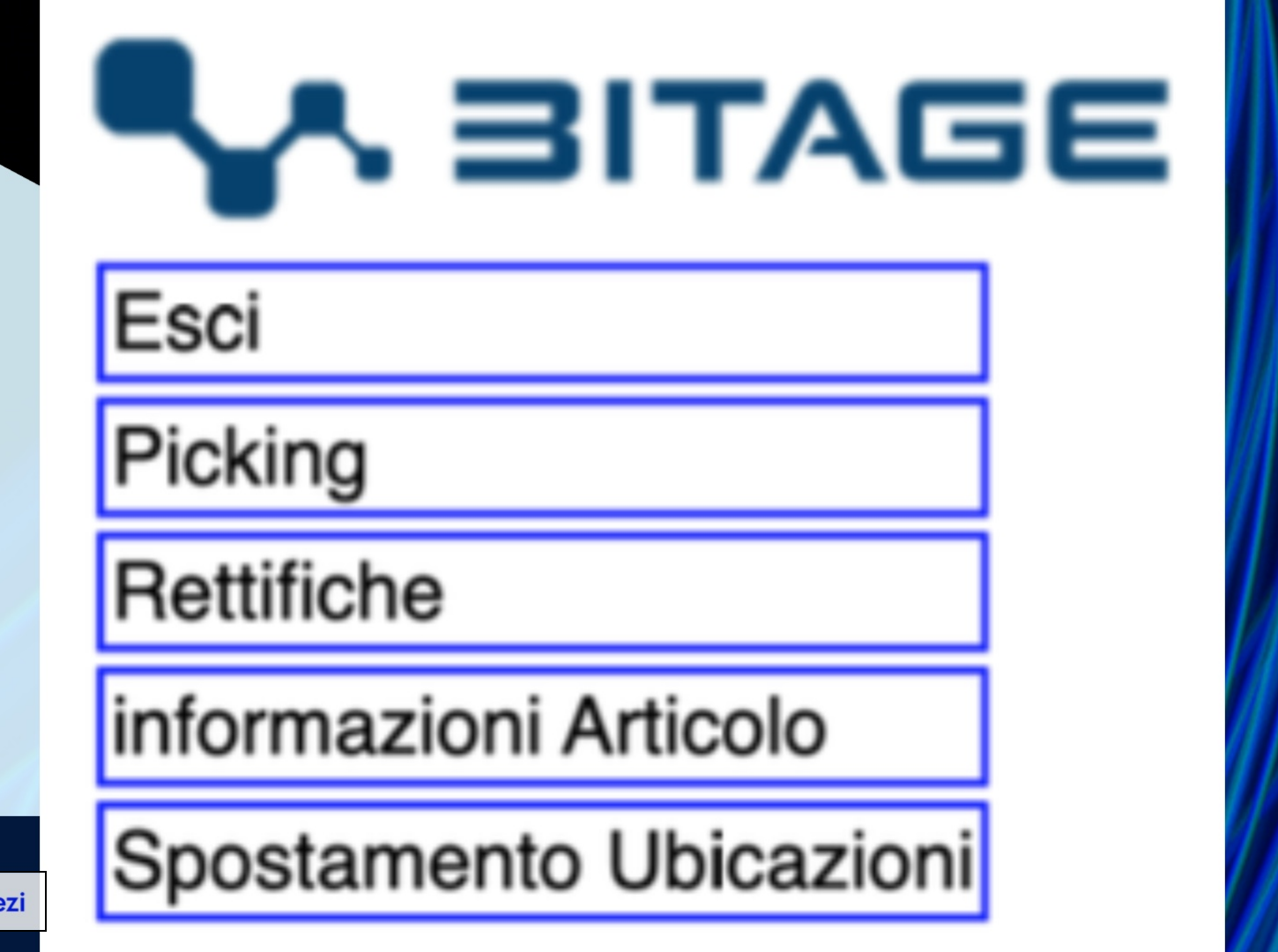
The handheld menu: every task within thumb's reach.
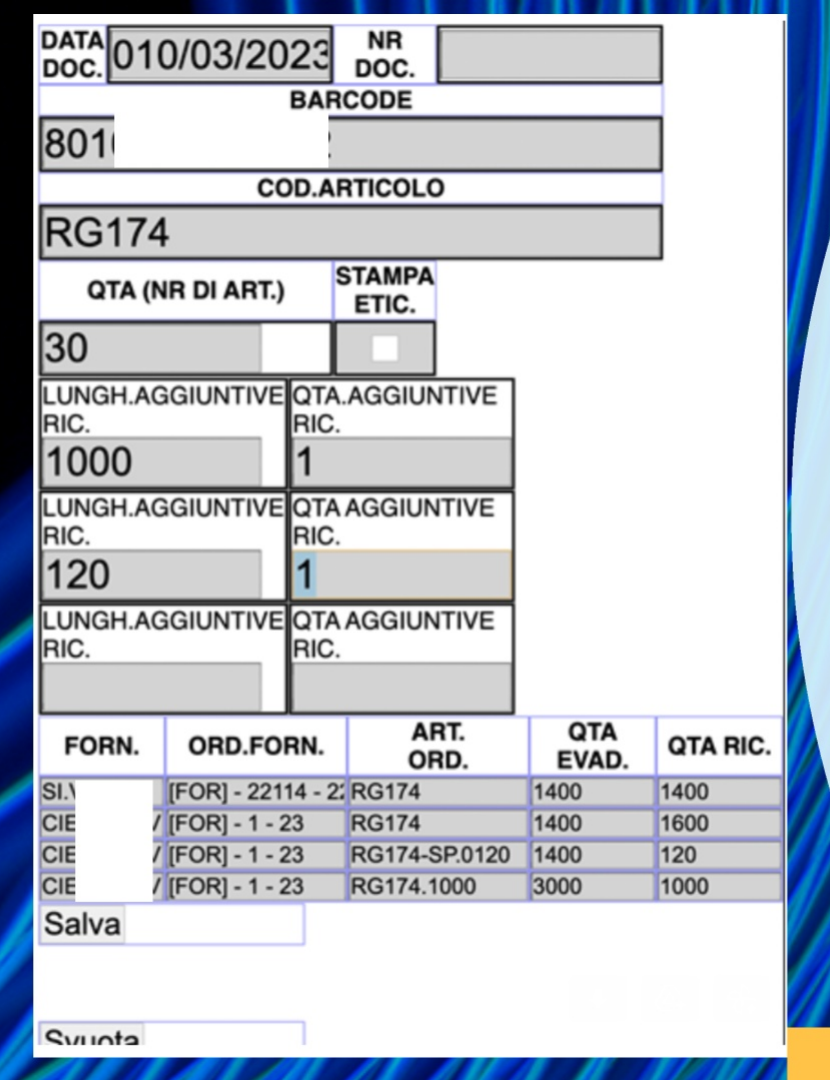
Goods receiving recorded on the handheld.
Ask NEXUS
Questions you can ask NEXUS about this area.
FAQ
Frequently asked questions
Other Bitage ERP areas
 01 · Management control
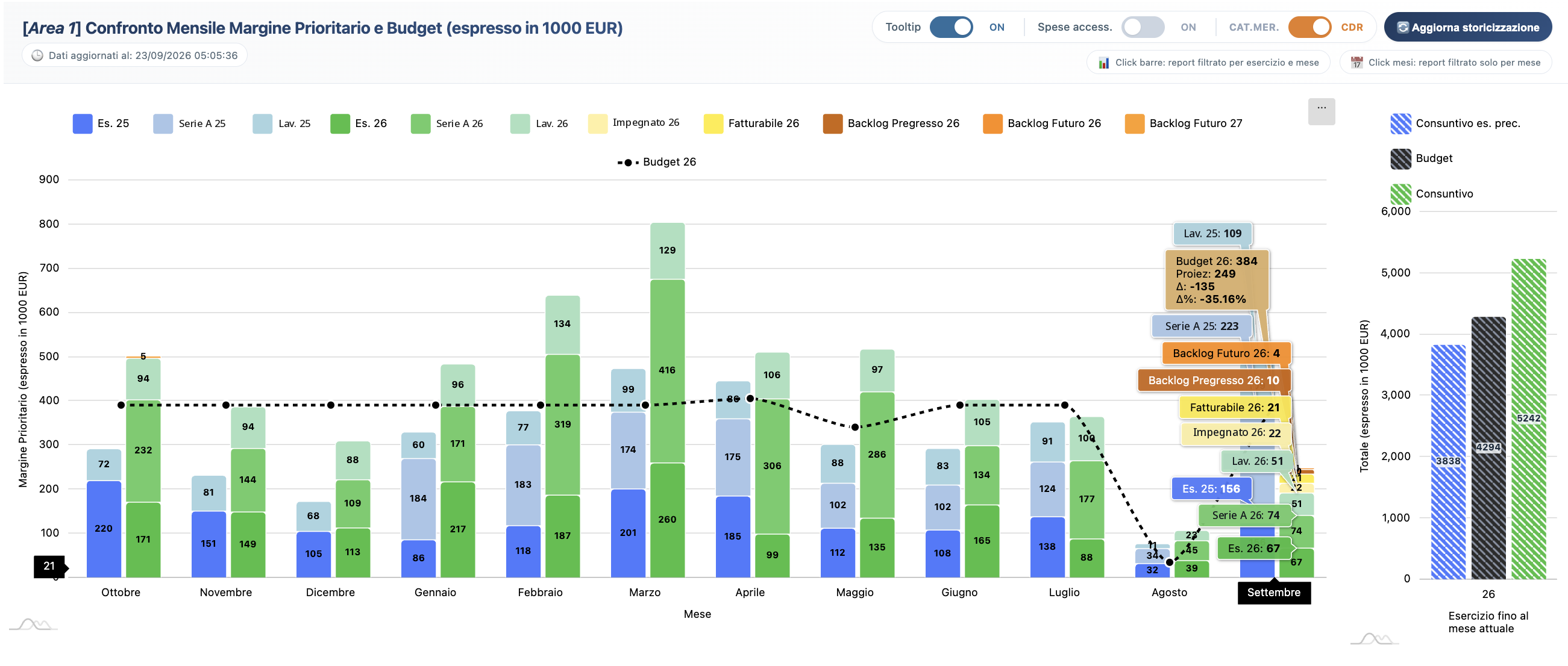
Cost accounting and reporting
Responsibility centres, budget and actuals. From the margin chart to the document detail.
Explore the area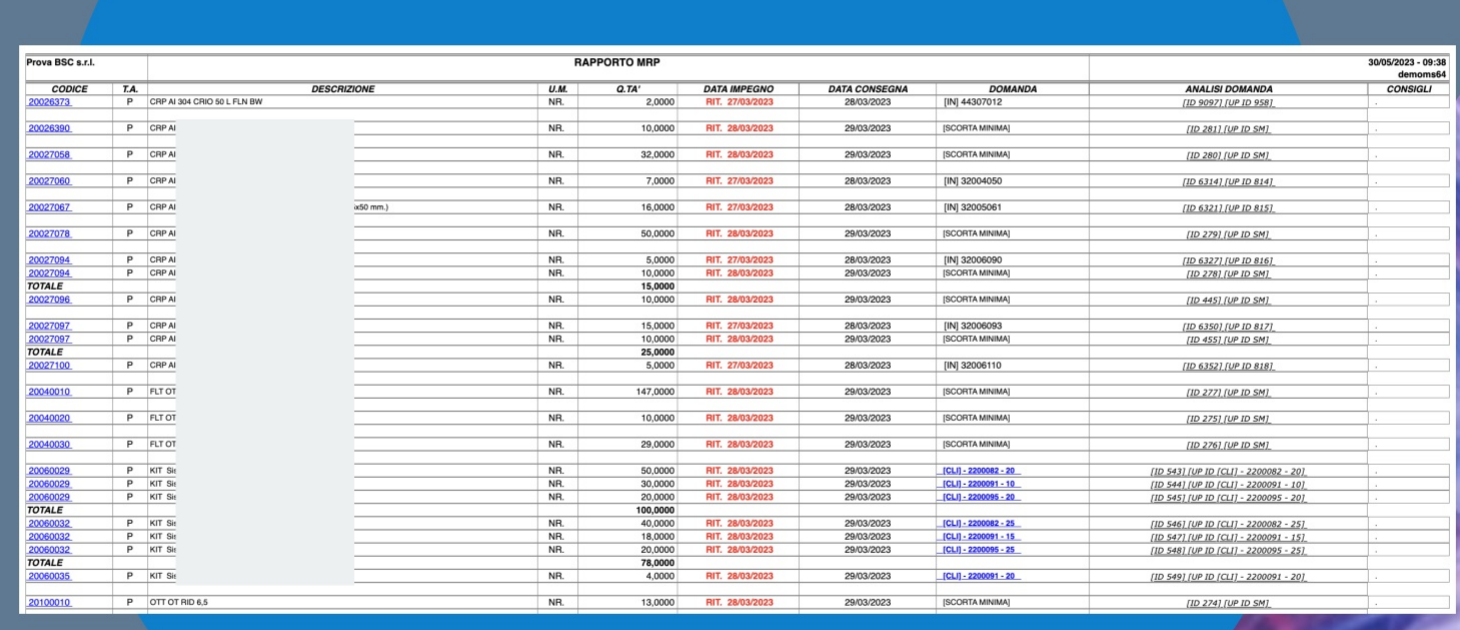 02 · Production
Production and MRP
Bills of materials and routings, MRP run, purchase and production proposals, order release in a few clicks.
Explore the area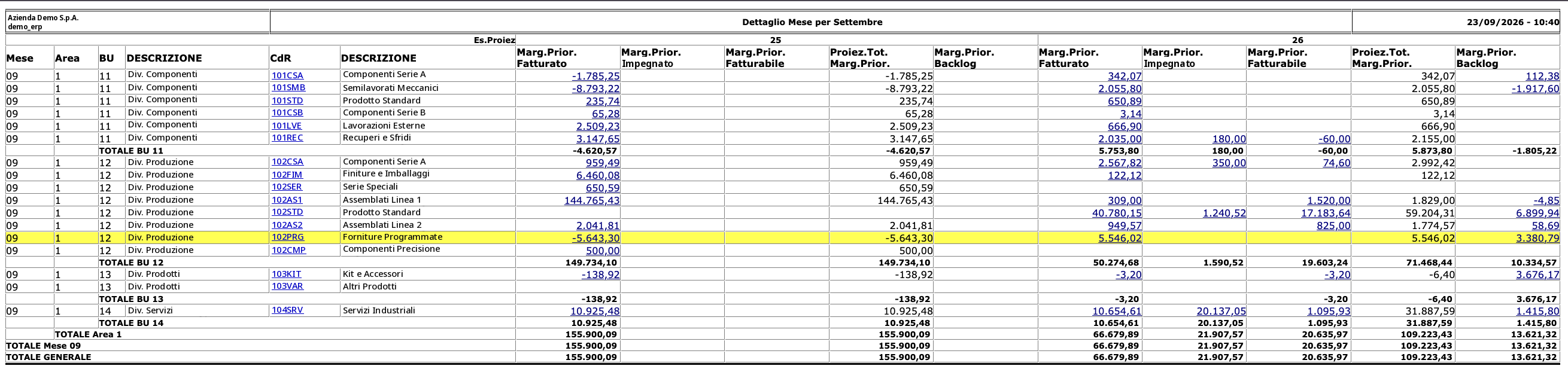 04 · Administration
Accounting and finance
General ledger, VAT, fixed assets, due dates, treasury, SDI e-invoicing, multi-company.
Explore the area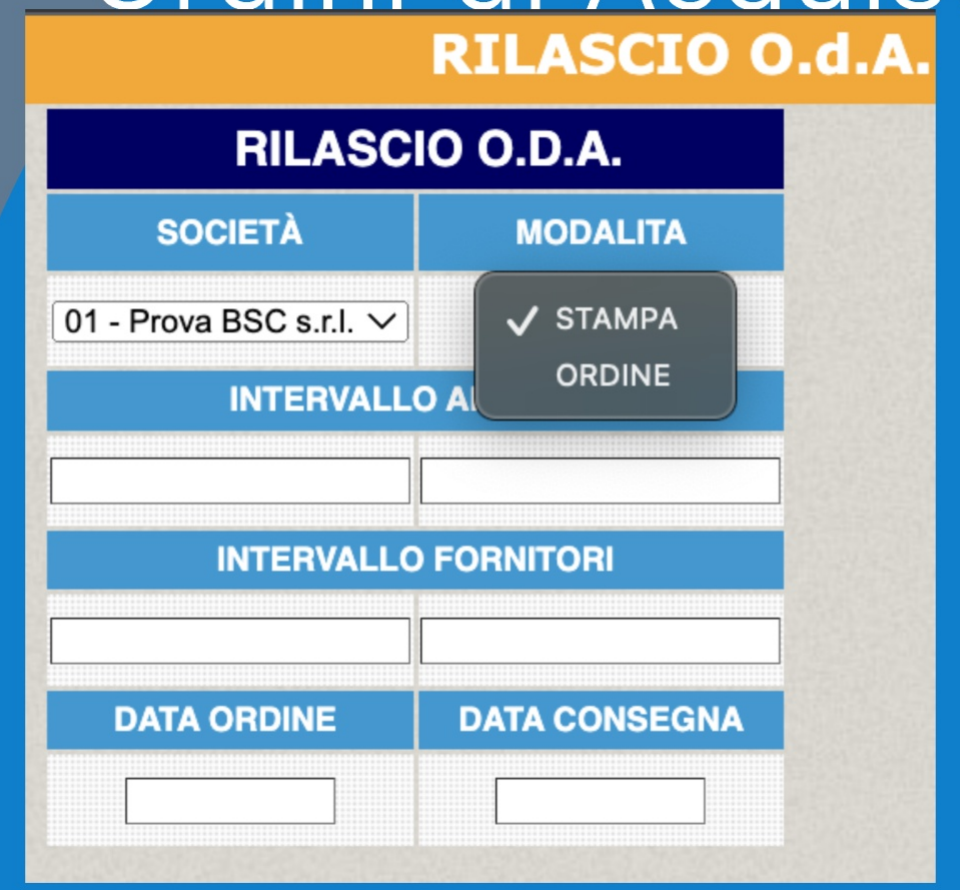 05 · Commercial cycle
Sales and purchasing
Quotes, orders, delivery notes and invoices; price lists and commissions; purchase orders, reminders and receipts.
Explore the area- 06 · Across every area
NEXUS, integrations and technology
The AI assistant on every module, native integrations with Bitage CRM, Bitage X and impresaGO, APIs and connectors, lightweight web architecture.
Explore the area
Demo
Let's test Bitage ERP on your processes.
Bring us a process that wastes your time today. We'll show it to you in Bitage ERP.