dashboards
- revenue, margins, overdue, open orders, pipeline, cash

Bitage X · Reporting
Bitage X dashboards update with data from the connected sources and from every module. Management sees the summary, sales the pipeline, administration the overdue. When you need a precise answer, ask NEXUS.
A dashboard assembles as tiles (revenue, margins, overdue, pipeline); switching profile from Management to Sales rearranges the view; a NEXUS question highlights one figure.
What it solves
In fast-growing companies, reports are often built by hand by exporting from several systems. In Bitage X the data is already in one place: the report doesn't need building, just reading.
Features
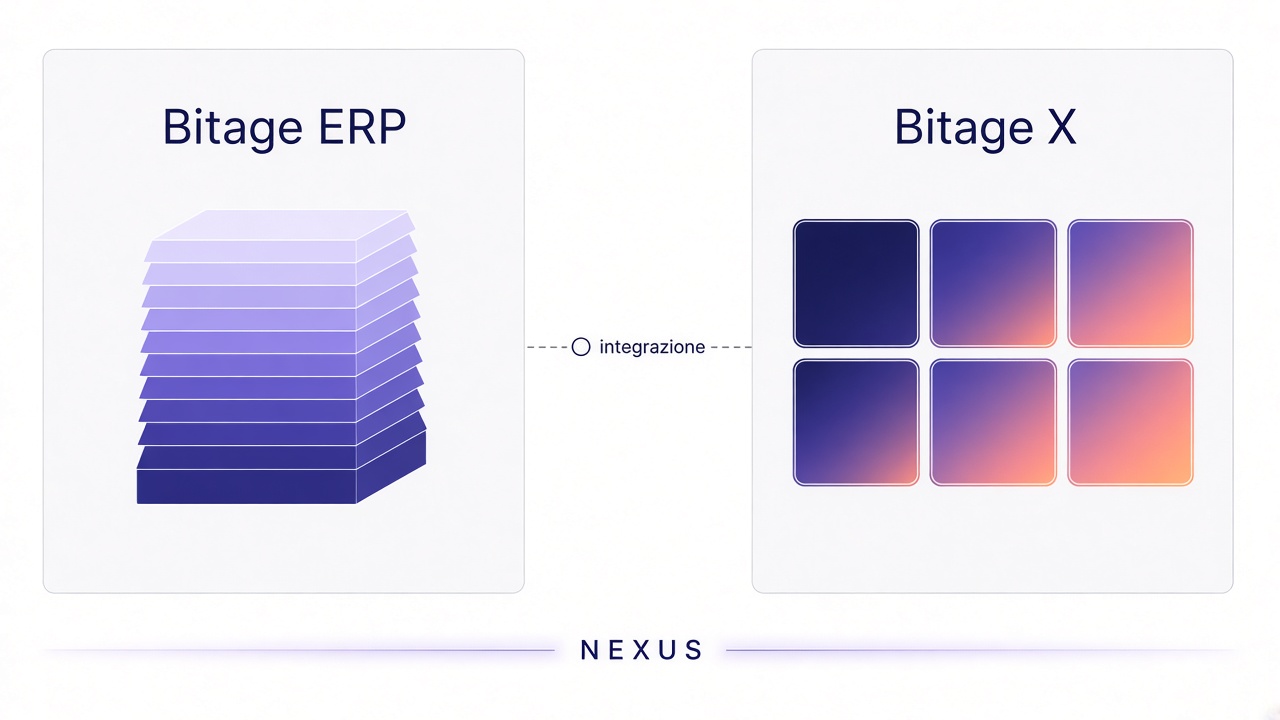
for management control and advanced analytic accounting there is Bitage ERP
Bitage ERPConnections
Roles that use it
NEXUS on Bitage X
FAQ
The full sales cycle, from first contact to payment, with the CRM inside the management system.
DiscoverSuppliers, requests and orders under control, with documents that already arrive from e-invoices.
DiscoverGoods, stock and movements aligned with sales and purchasing.
DiscoverThe financial side in Bitage X, with accounting kept on Bitage ERP.
DiscoverManagement software that talks to the rest of the world.
DiscoverEveryone sees their own management system.
DiscoverDemo
Tell us how your people work today and where your data comes from. We will show you Bitage X with profiles for your roles and your sources already connected.